A desktop app for planning a game's art and building it as editable pixel models, where AI agents propose changes that a person adopts.
At a glance
Outcome: A desktop app for planning a game’s art and building it. Plan holds boards, references and the list of assets a game needs; Make is a pixel editor whose sprites stay editable as shapes. AI agents can propose plans and models, and a person adopts them.
Status: In development. Runs as a Linux development build, adopted for internal use on October 15, 2026. Installers for Windows, macOS and Linux come before the first release.
Dates: July 2026 to present. The current Rust app dates from September 2026.
History: Began in July 2026 as a Python command-line tool and local web workspace that planned asset packs, checked art against a palette and exported atlases for Godot. Rebuilt from September 2026 as a Rust desktop app with its own editor. The Python version is retired and serves as the reference its replacement is tested against.
Role: Solo. Product scope, workspace and module boundaries, geometry choices and the speed budget.
Contribution: I write the product scope, the decision records and the dependency-graph plans. AI agents implement each piece, an independent reviewer checks it, and I approve every merge.
Stack & libraries: Rust, Tauri 2, React 19, TypeScript, Vite, PixiJS (WebGL canvas), SQLite via rusqlite, an MCP server for AI agents, Nix. Python for reference checks.
Validation: Reference tests compare the Rust drawing code with expected pixels and bytes from the Python version and from independently worked cases. Workflow tests fork a model and check that the original stays byte-identical; a launch test drives the real app on a virtual display with real mouse and keyboard input.
Limitations: Edit timings passed on one busy Linux machine with small samples; a rerun on a quiet machine is pending. A hands-on session on October 15, 2026 found hand editing hard to use, because shapes are typed as numbers.
Pixelata is a desktop app for planning a game’s art and then building it. Plan holds moodboards, reference images, art directions and a list of every asset the game needs, from a floor tile to a character’s walk. Make is a pixel editor. Each side works on its own, with no account and no AI.
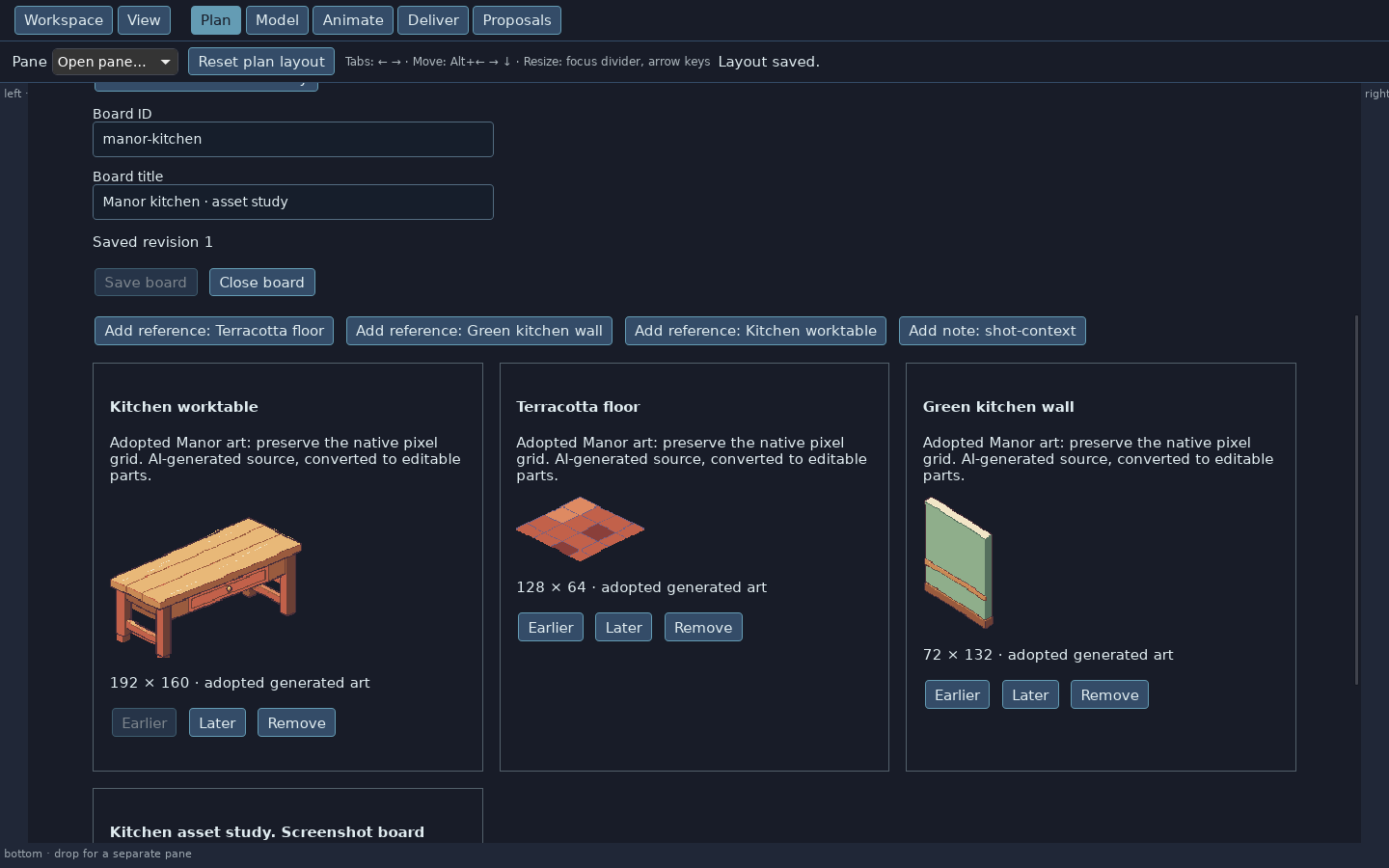
A planning board for the Manor kitchen. The board was set up for this screenshot; the art is the adopted AI-generated kitchen set.
In Make you build a sprite from boxes, cut shapes out of them and paint flat details onto the parts. You pose the model, view it from fixed angles and string poses into an animation. Export, run from the command line for now, writes PNG sprite sheets and a data file for the game engine. An asset in Plan links to the exact model version that fills it. Later edits to the model leave that link alone.
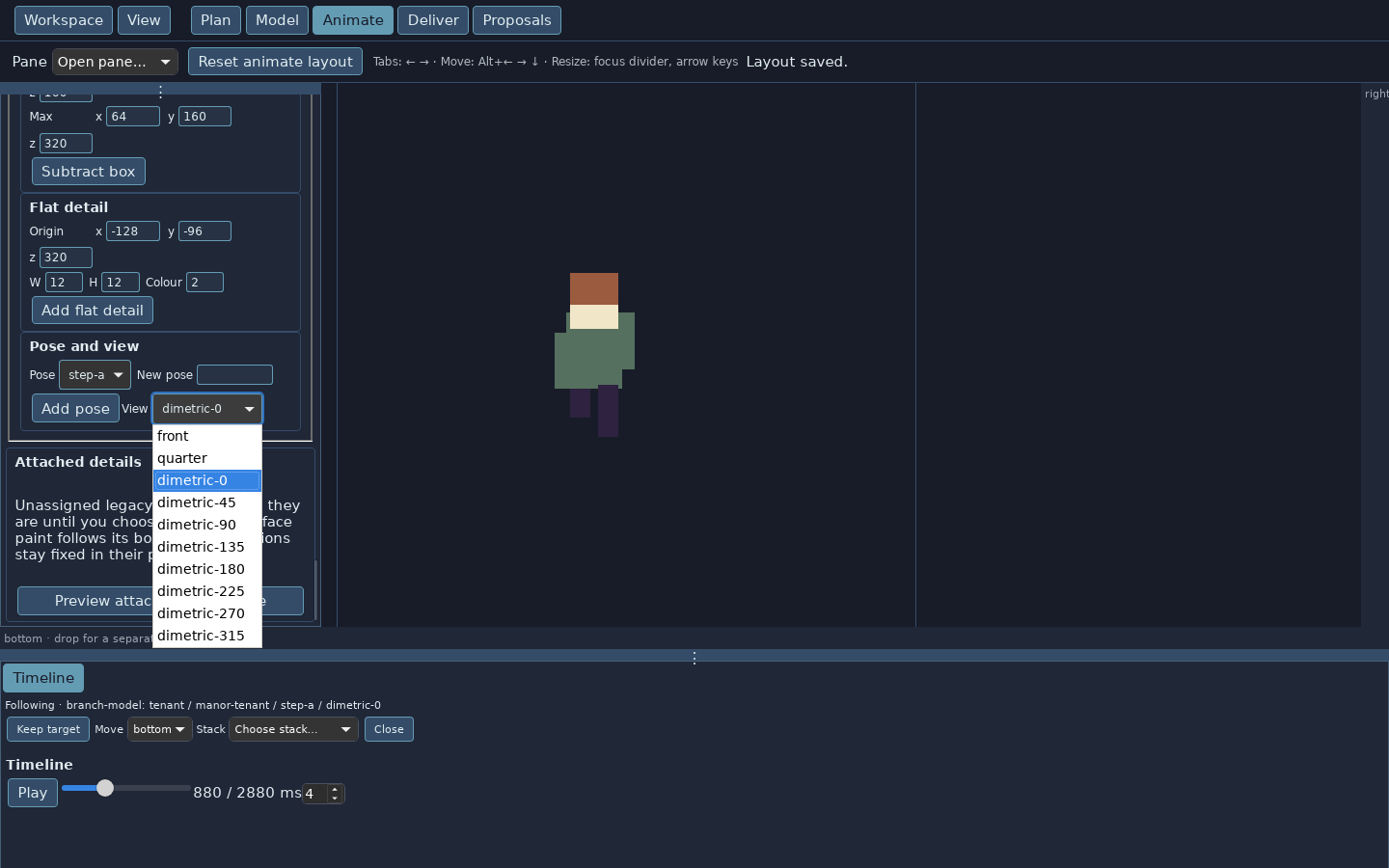
The test character in Animate mode, with its eight diagonal facings in the View menu. Geometric test art, not final art.
The editable asset is the model, and the pixels are drawn from it. Editing a part shared by several poses redraws every pose that uses it. A fork copies a model so you can try a change while the original stays exactly as it was. Every position is stored as an exact fraction, which keeps a model’s pixels the same on any computer.
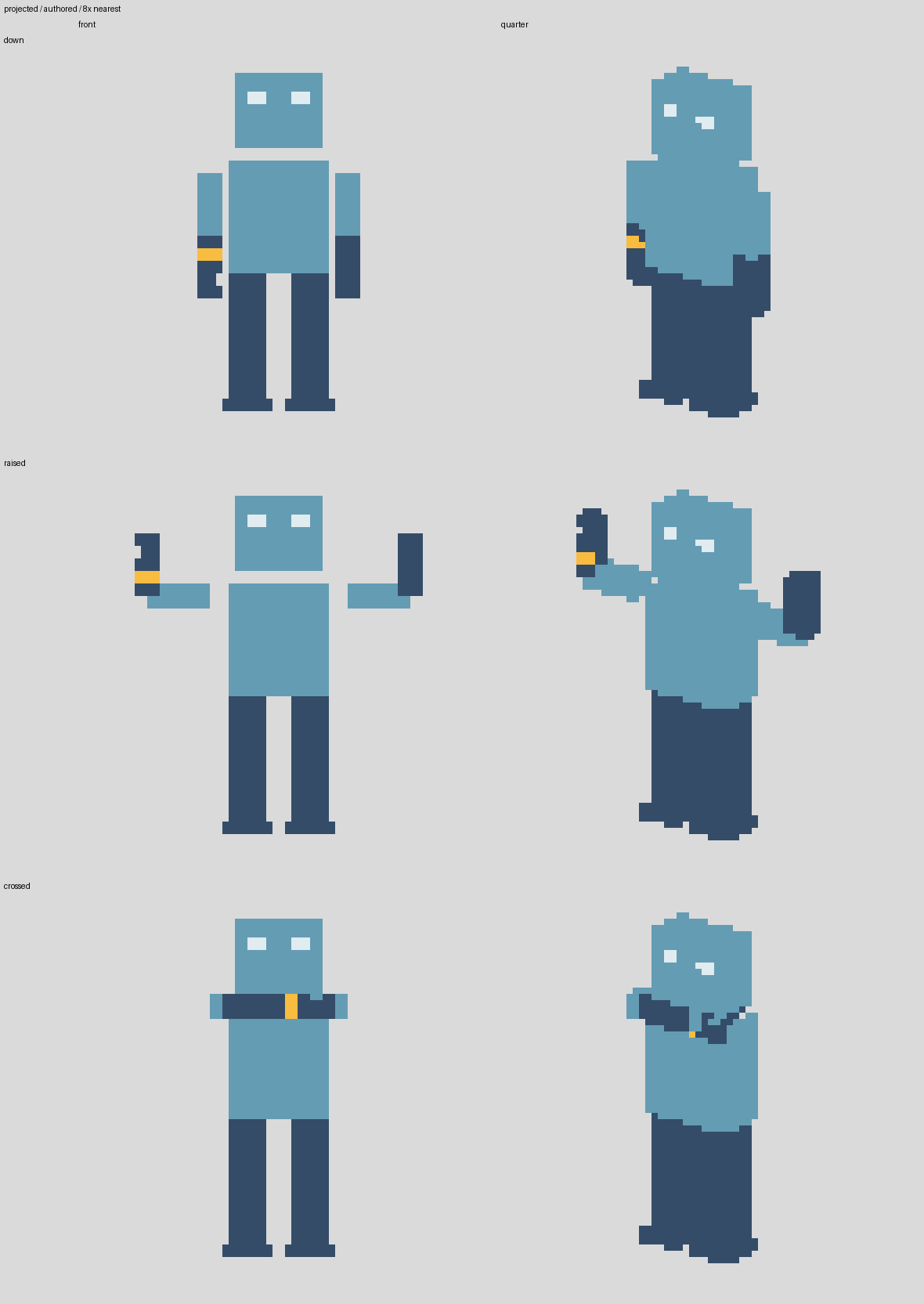
One test model, three poses and two views. The forearm, its notch and its stripe are defined once and appear in every drawing. Shown at 8× with no smoothing.
AI is optional. An agent works through the same commands as the editor’s buttons. Everything it does arrives as a proposal. You review a proposal change by change and adopt what you want. A generated picture stays a reference until an agent breaks it into parts and a person adopts the result.
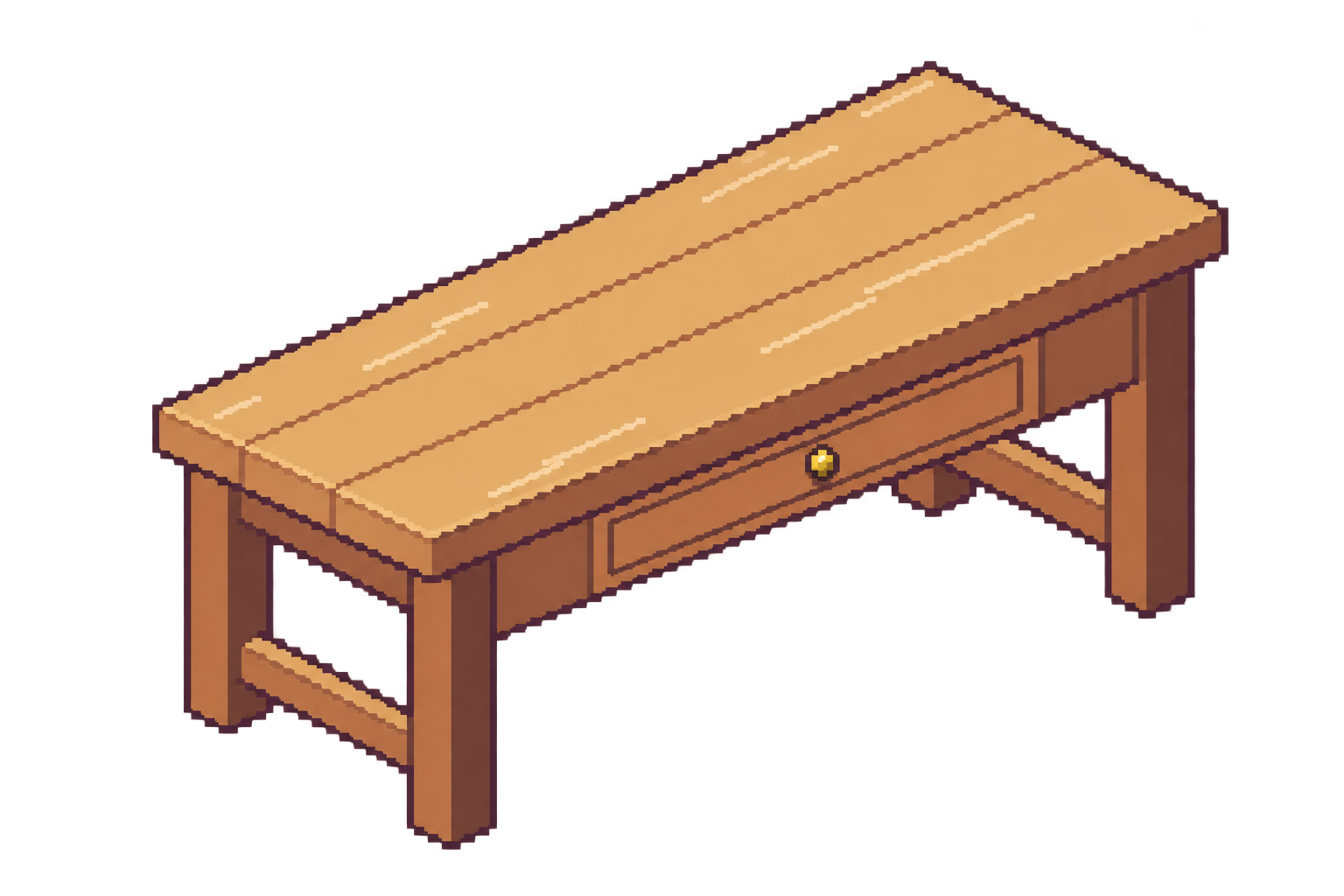
On October 16, 2026, an image model drew a kitchen worktable for Marjorie’s Manor, a game in development. Pixelata fitted it to a 192 × 160 pixel grid in a fixed kitchen palette. It found the table’s regions and turned them into parts and boxes. Pixels the boxes missed became single painted details. The result was 101 proposed editor steps. Their drawing matched the target on all but 269 of its 30,720 pixels.
AI-generated input image, made with an image model on October 16, 2026. The glow falls below the cut-off and is dropped when the image is fitted to the grid.
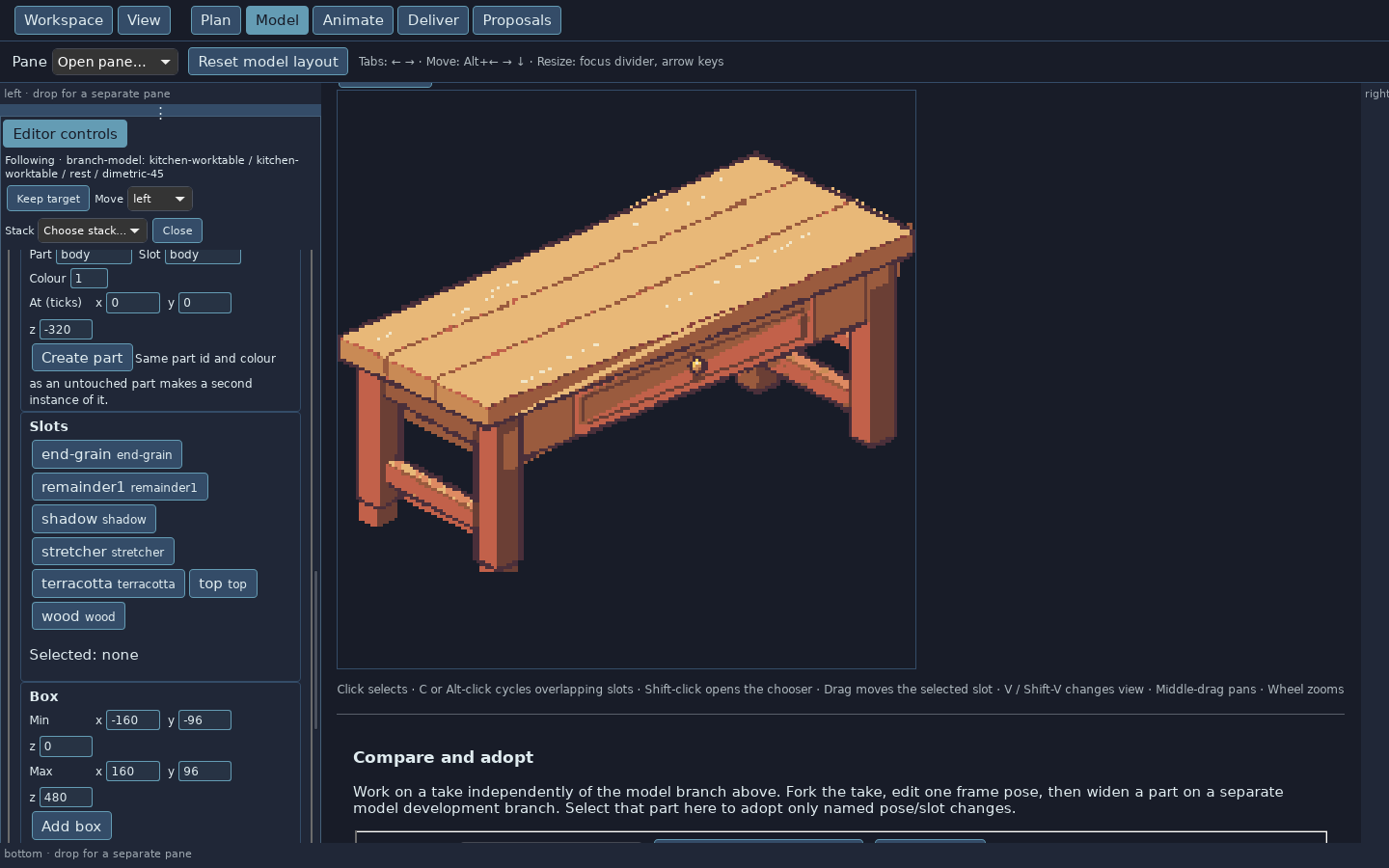
All 101 steps were adopted in the app. The table opens in the editor as named parts such as top, wood, stretcher and shadow. Each part can be selected and moved. The floor tile from the same run took 29 steps and matched its target on every pixel.
The adopted worktable in Model mode. Each slot is a named part that can be selected and moved.
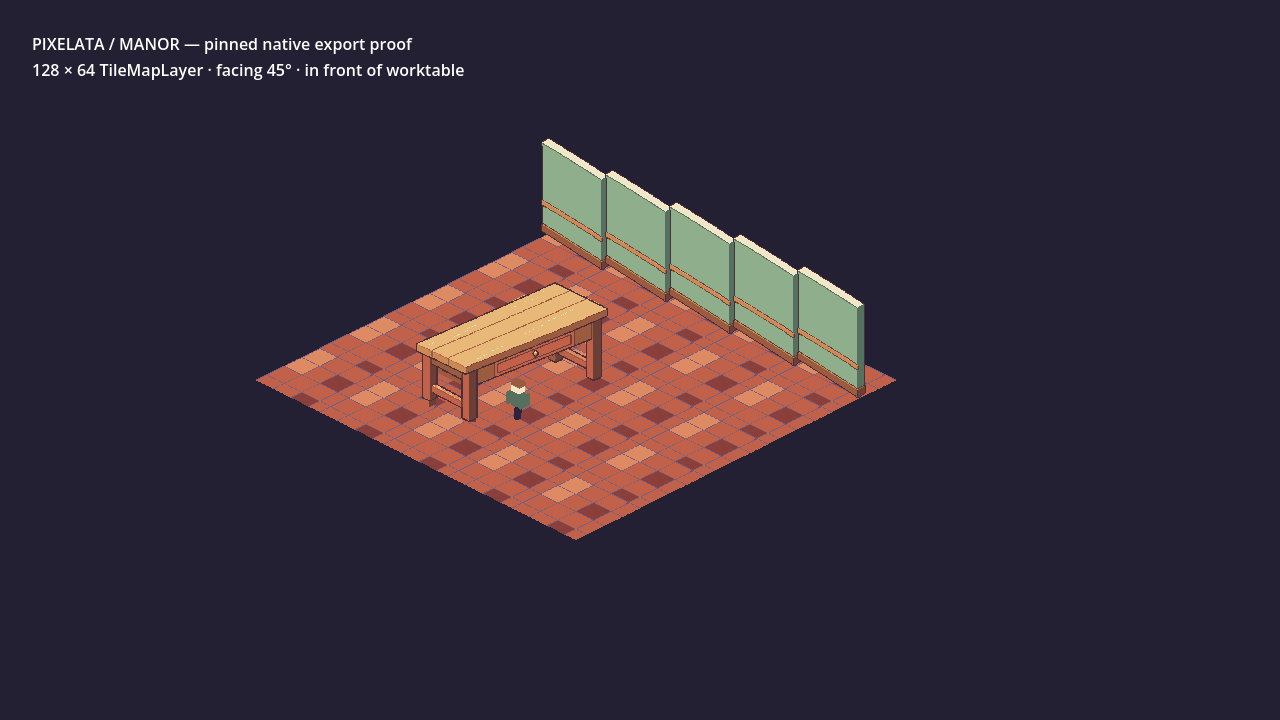
The adopted floor, wall and worktable, plus a test character with an eight-direction walk, were exported and loaded unchanged into a test scene in the game’s Godot project. Twenty-five floor tiles joined with no gaps. The character drew correctly both behind and in front of the table. Repeated exports were identical to the byte.
Exported floor, wall and worktable in a Marjorie's Manor test scene. The character is geometric test art, not final art.
The app is a Rust program in a Tauri desktop window, with a React interface. Its code is split into four parts: model drawing, planning, the shared commands, and storage with import, export and optional AI. Planning builds and runs without the drawing code or any AI code. The buttons, the command line and AI agents all call the same commands.
I set the speed target in September 2026: an edit shows on screen within 100 ms, or 300 ms when a shared part redraws three poses. The first Linux build took about two seconds per edit. Timing showed the window, the Rust host and the display together used under 10 ms. Nearly all the rest went to the exact fraction math.
The fix does the common cases with ordinary whole numbers and falls back to full fractions whenever a value would not fit. It also skips the detailed checks for a part when a pixel cannot touch any of its boxes. Single-pose edits dropped to a 78 ms median and shared-part edits to 177 ms. Every saved drawing job, plus randomly altered ones, drew identical pixels before and after. I then adopted the Rust core for internal use.
Today the Linux build covers planning boards, references and the asset list, modeling, command-line export, proposals, and history with undo, branches and forks. Coming next: click-and-drag editing on the canvas, an export screen, side-by-side comparison of versions, chat for drafting plans, and installers for Windows, macOS and Linux.
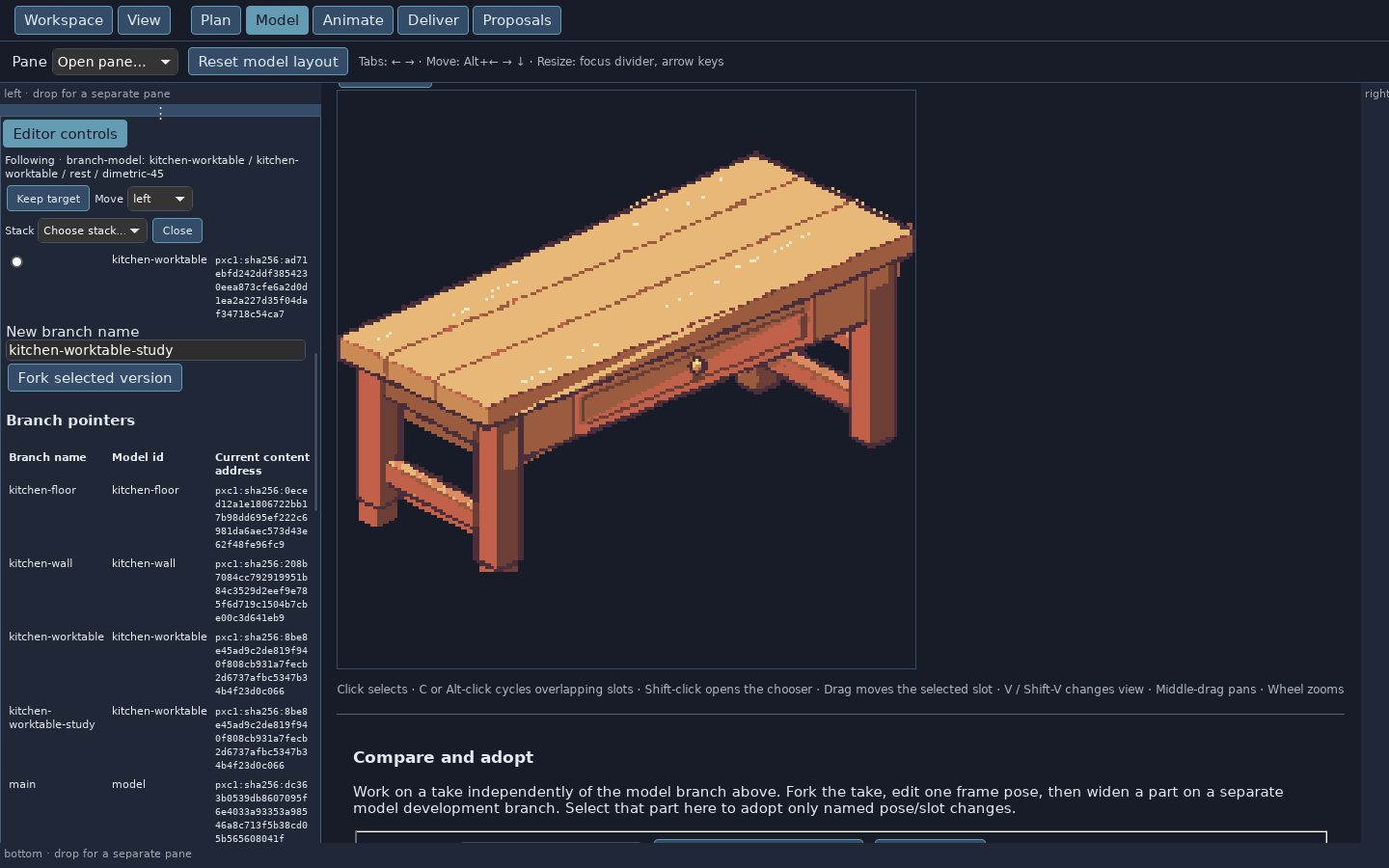
A fresh fork of the worktable. Both branches point at the same saved version until one of them is edited.
Rebuilt versioning on ideas from ageomaps: every model version is saved by its fingerprint and can branch. The same ideas were tried in a CAD program, a DAW, a robotics mission planner and a BIM tool.
Undo, branches and forks in the editor, so poses and animations can point at exact versions.
LINUX DEVELOPMENT BUILDS · SEPTEMBER AND OCTOBER 2026
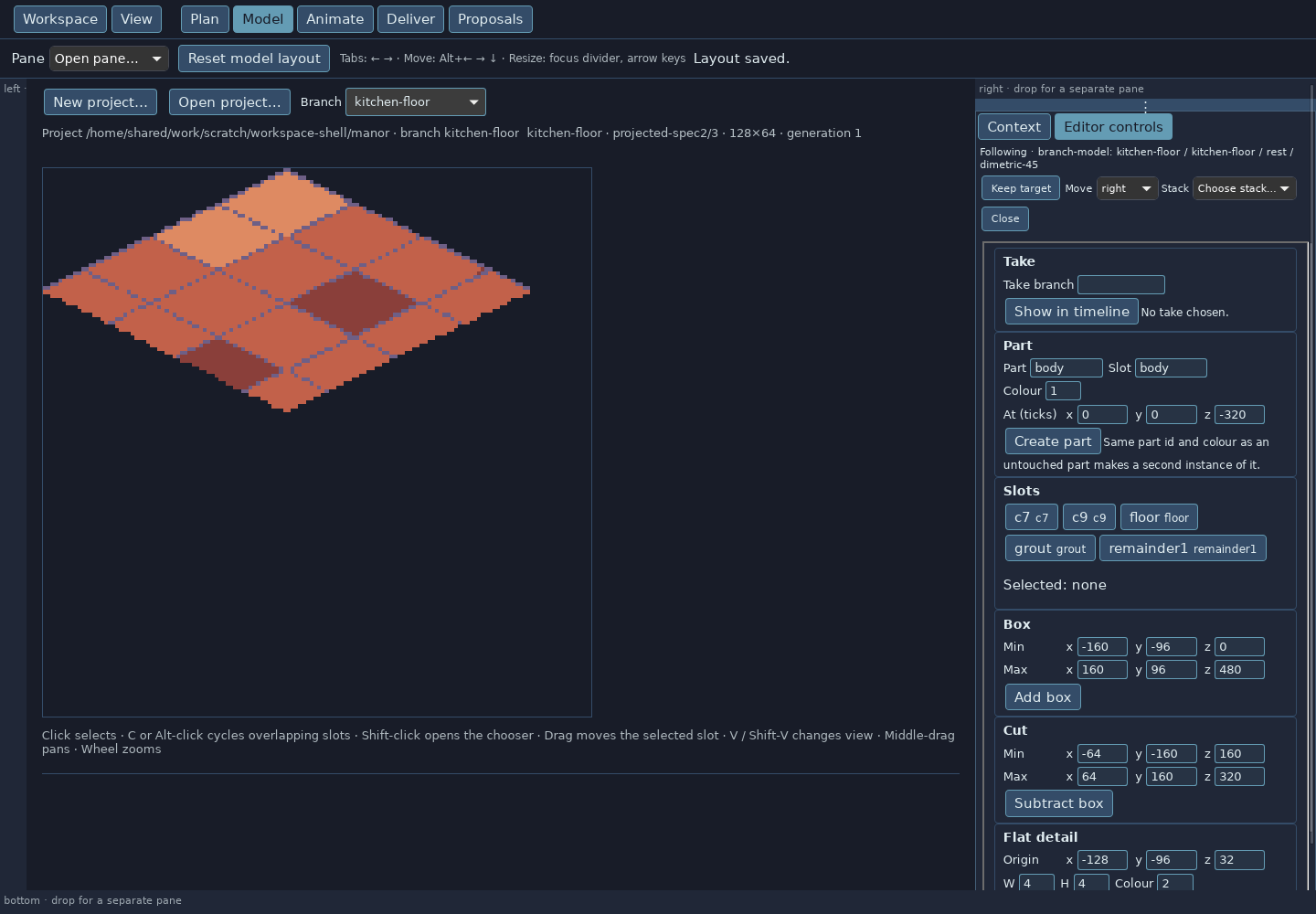
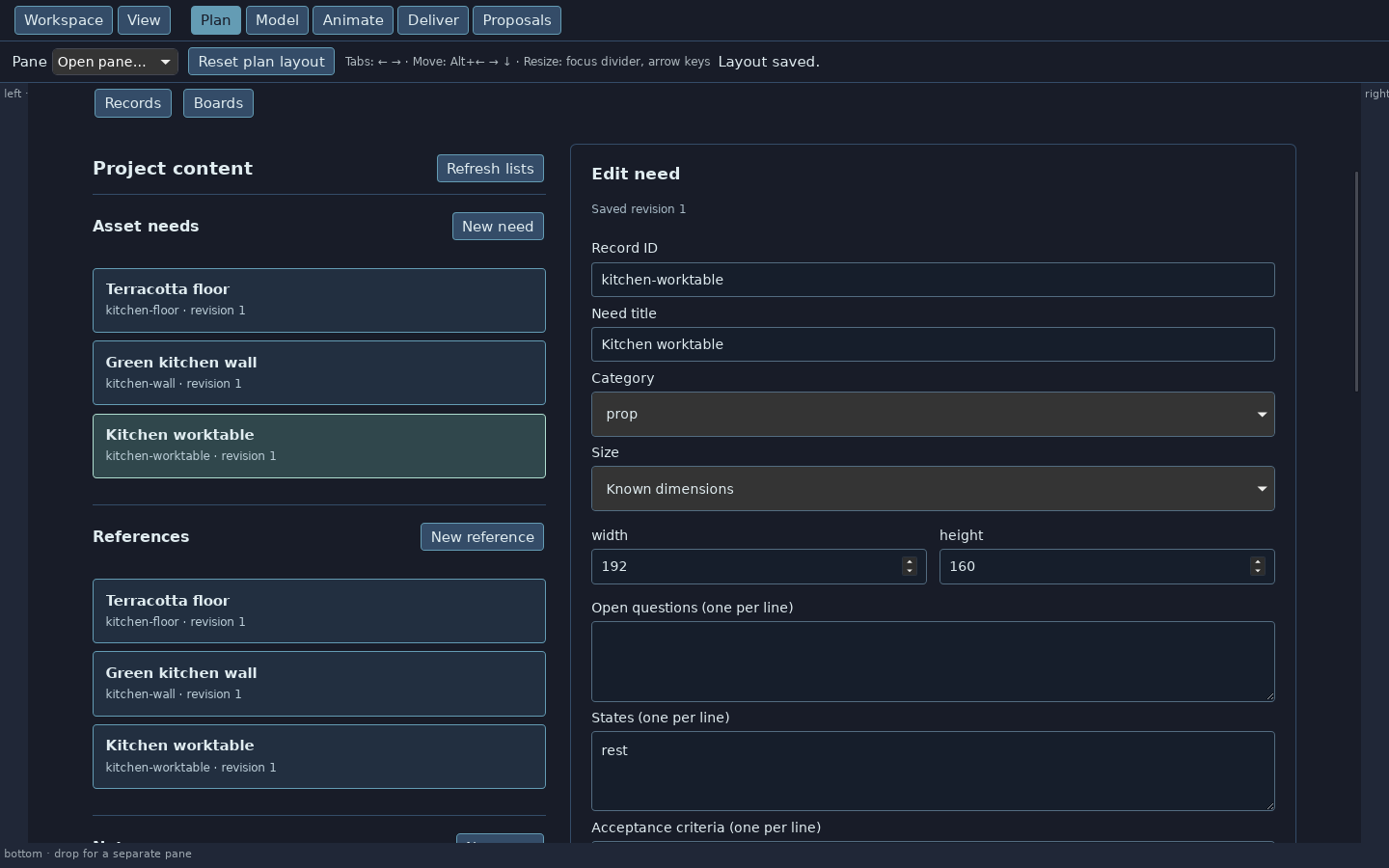
The adopted floor tile in Model mode. Shapes are entered as numbers in the Box, Cut and Flat detail panels.The asset list. Each need records a category, a size and its states. Records set up for this screenshot.